Export a NCR as PDF
ETHOS makes exporting a NCR to PDF as easy as a click of a button. Simply navigate to the NCR you would like to export and click the "Download PDF" button located at the top right of the page.
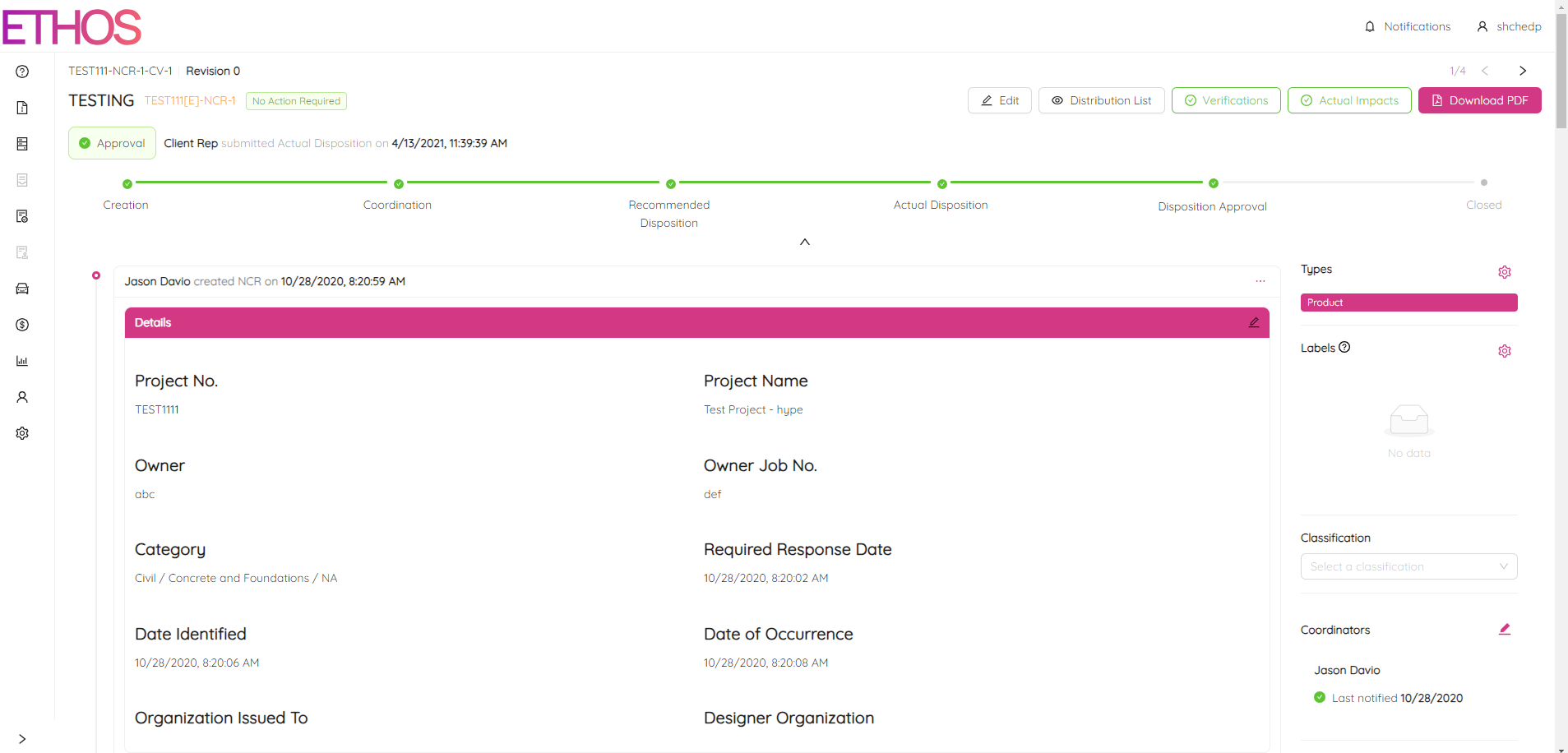
A download should automatically start in your browser. Once the PDF is downloaded simply open the file to view your NCR in a print-friendly PDF format.
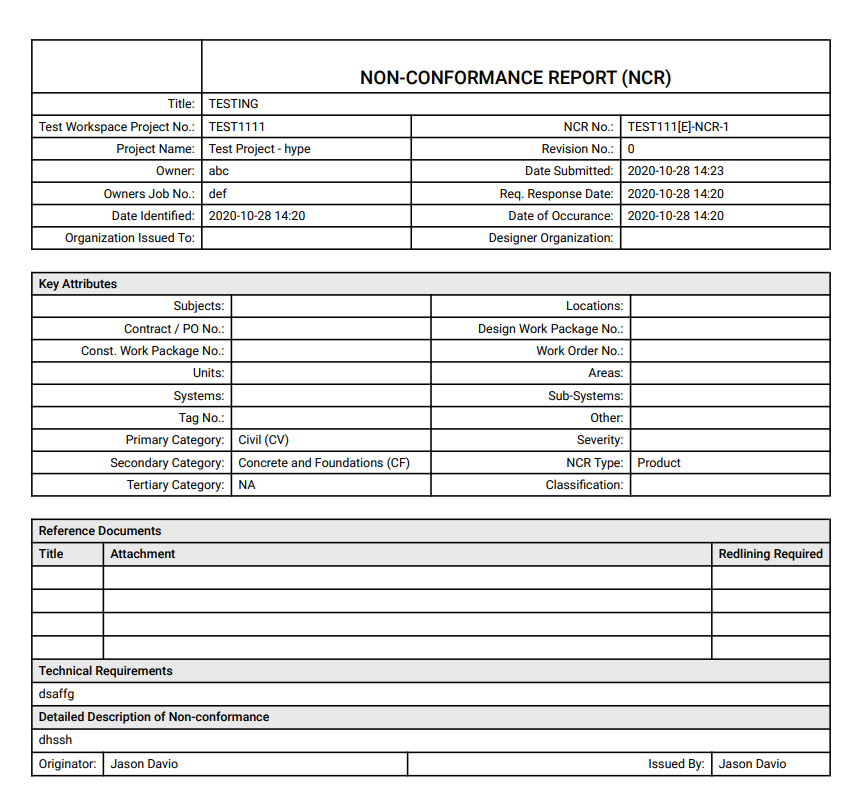
NOTE: It is possible that any modifications made in NCR may not appear on the generated PDF due to data transfer issues. To resolve this, press and hold the "R" key on your keyboard, then click on "Generate PDF" and select "Download PDF" again.